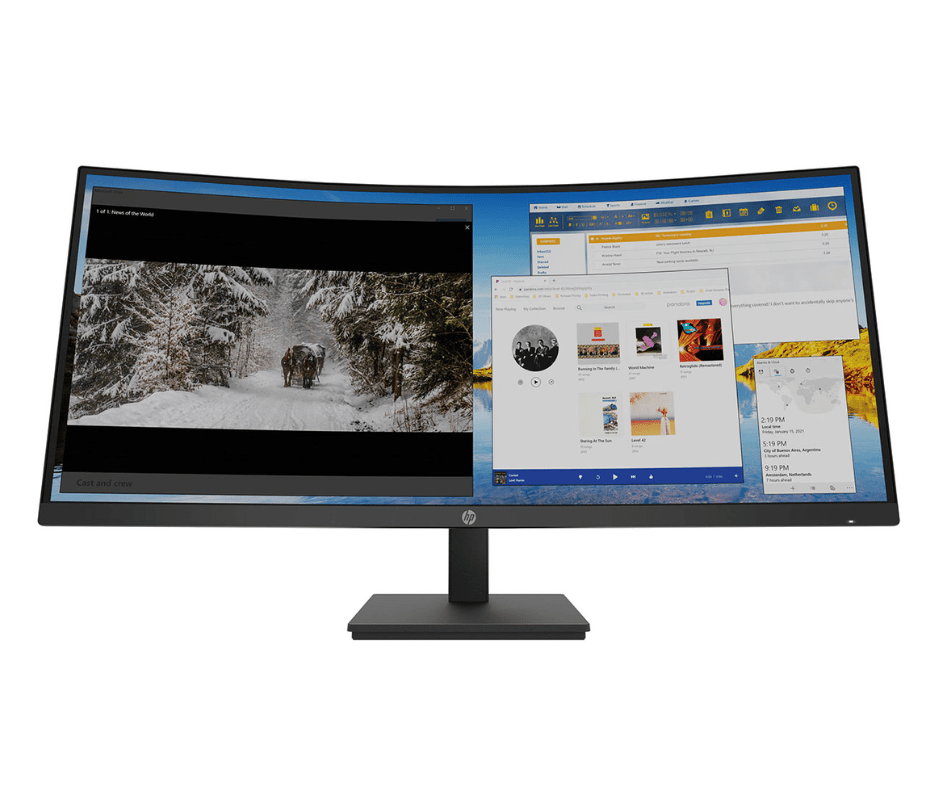
Dell U4919DW 49″ 5K(5120×1440) UltraSharp Curved USB-C 8MS IPS LED Monitor.Features & DesignExperience no gaps in productivityOne screen or two:Obtain seamless, multi-screen productivity with two 27″ QHD partition capabilities complemented with exceptional colour and contrast.Vibrant hues, sharp contrastIPS Black panel technology: Enjoy deeper blacks with a 49-inch dual QHD monitor with IPS Black panel technology that delivers exceptional contrast (2000:1) across a wide viewing angle. Equipped with 100% sRGB, 100% REC.709, 98% DCI-P3 and 98% Display P3 colour coverage.Curved screen: Work comfortably with a curved screen that improves field of view and reduces reflection and eye fatigue.Enhance Eye Comfort: ComfortView Plus is an always-on, built-in, low blue light screen that reduces potentially harmful blue light emissions without compromising colour.Power your productivityStreamline your workflow: A single cable USB-C transmits data and video signals while delivering up to 90W of power.Fast and stable connection: Get up to 2.5GbE provided by RJ45 with PXE boot, Mac Address pass-thru and Wake on LAN features. RJ45 lock feature gives you the flexibility to lock the wired Ethernet to a chosen PC while continuing to work from dual PC inputs.Connect: A wide variety of devices are connectable with USB-A and USB-C Gen2 downstream quick-access ports that deliver speeds up to 10Gbps and DP1.4, HDMI and USB-C upstream ports.Starting is easyQuick connect: Conveniently located USB-C (up to 15W power) and USB-A ports make it easy to plug in external devices, and built-in dual 9W speakers saves you the hassle altogether.Dive right into your project: The built-in power sync feature wakes up and powers on your laptop.Power of twoInternal Multi-Stream Transport (iMST): View your display across the full screen or split it into 2 x 27-inch QHD partitions with iMST. No external software or DisplayPort splitter needed.Multitask better: Connect to two PC sources and Auto KVM (keyboard, video, mouse) will seamlessly switch controls over to the second connected PC. Use KVM feature to control both PCs with a single keyboard and mouse. The KVM wizard makes setup a breeze.Set for comfortWork comfortably all day long by tilting, swiveling and adjusting your monitor height to however best fits you.Improved Dell Display ManagerModern Intuitive User Interface: New modern user interface for ease of use and personalization of features with Menu launcher.Productive at every level: Easy Arrange allows you to easily tile multiple applications across one or more screens with 49 pre-set window partitions and the ability to personalise up to five windows, giving you improved multitasking abilities.Stay updated: Get automatic notification anytime for new updates on monitor firmware and software.Optimise front of screen experience: Get uniform colour experience from your monitor seamlessly by matching the colour preset of the monitor and the supported ICC profile.Easy setup and sharing of accessories: Setup a single keyboard and mouse to be shared easily between multiple PCs with USB KVM wizard. Quick access menu or hotkey allow convenient fast switching between PCs.Easy deployment: DDM is compatible with management tools such as SCCM / InTune and Command Line Interface scripts for easy IT integration and deployment with asset management.Green thinking. For today and tomorrow.Environmental standards: This monitor uses 85% PCR (Post-consumer Recyclable) plastic in the design, 90% recycled aluminum and meets the latest environmental standards such as EnergyStar®, and TCO Certified Edge, and is EPEAT® Gold registered.Eco-conscious packaging: Designed with the environment in mind, Dell commercial monitors come in 90% recyclable cardboard packaging.Energy conservation: Save energy with PowerNap, a feature that dims or puts your monitor to sleep when it’s not in use.Advanced sustainability: Dell Technologies is committed to reducing environmental impact throughout the product lifecycle.Works with devices on mac OS®*Tested with devices on macOS, this USB-C monitor with P3 colour is compatible with Mac®devices.*Based on internal testing of select Dell monitors with USB-C or HDMI connection to devices on macOS, June 2024. Requires USB-C or HDMI connectivity. Some features may not be supported.Connectivity OptionsPorts & Slots1. Security lock slot (based on Kensington Security Slot™) 2. Power connector 3. 2x HDMI 4. DisplayPort 5. USB Type-C upstream port (Video Data). Alternate mode with Display Port 1.4, Power Delivery up to 90 W 6. Audio line-out port 7. USB Type-C upstream port (data only, SuperSpeed USB 10 Gbps, USB 3.2 Gen 2)8. 4x USB Type-A downstream ports (SuperSpeed USB 10 Gbps, USB 3.2 Gen 2) 9. RJ45 connector 10. Stand lock 11. 2x USB Type-C downstream ports (SuperSpeed USB 10 Gbps, USB 3.2 Gen 2) 12. USB Type-A downstream port with power charging (SuperSpeed USB 10Gbps, USB 3.2 Gen 2) 13. SpeakersCables Included1. Power cable 2. DisplayPort cable – 1.8 m 3. USB Type-A to USB Type-C Gen 2 cable – 1.0 m 4. USB Type-C cable – 1.0 m 5. HDMI cable – 1.8 m